Tiny 3D World
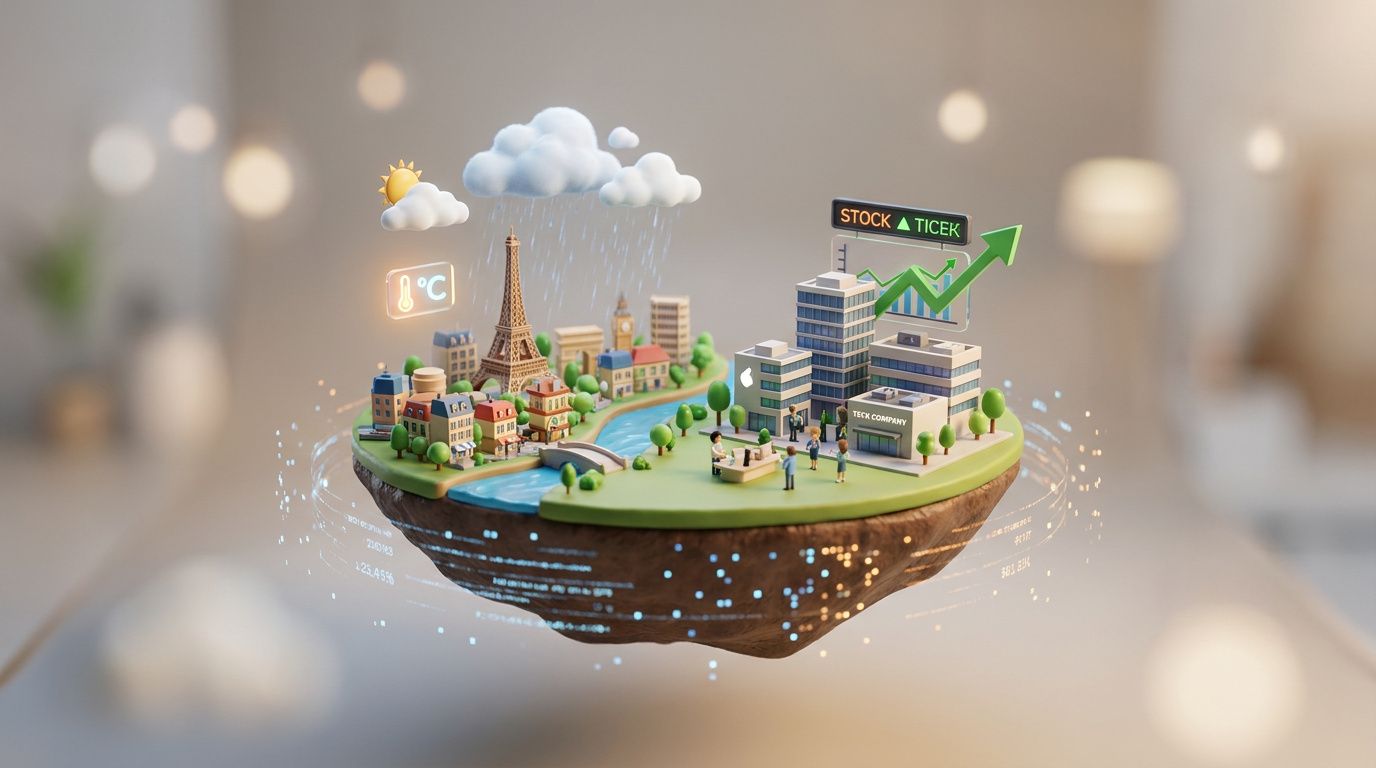
FeaturedCreate detailed miniature 3D scenes of cities or companies that showcase iconic landmarks or buildings with realistic lighting and textures, enriched by live weather or stock market data. This flow helps visualize a tiny, immersive world that blends artistic style with real-time information for engaging presentations o
Run it
Your inputs & outputs are private.Only you can see what you run. The author of this flow — and everyone else — cannot.
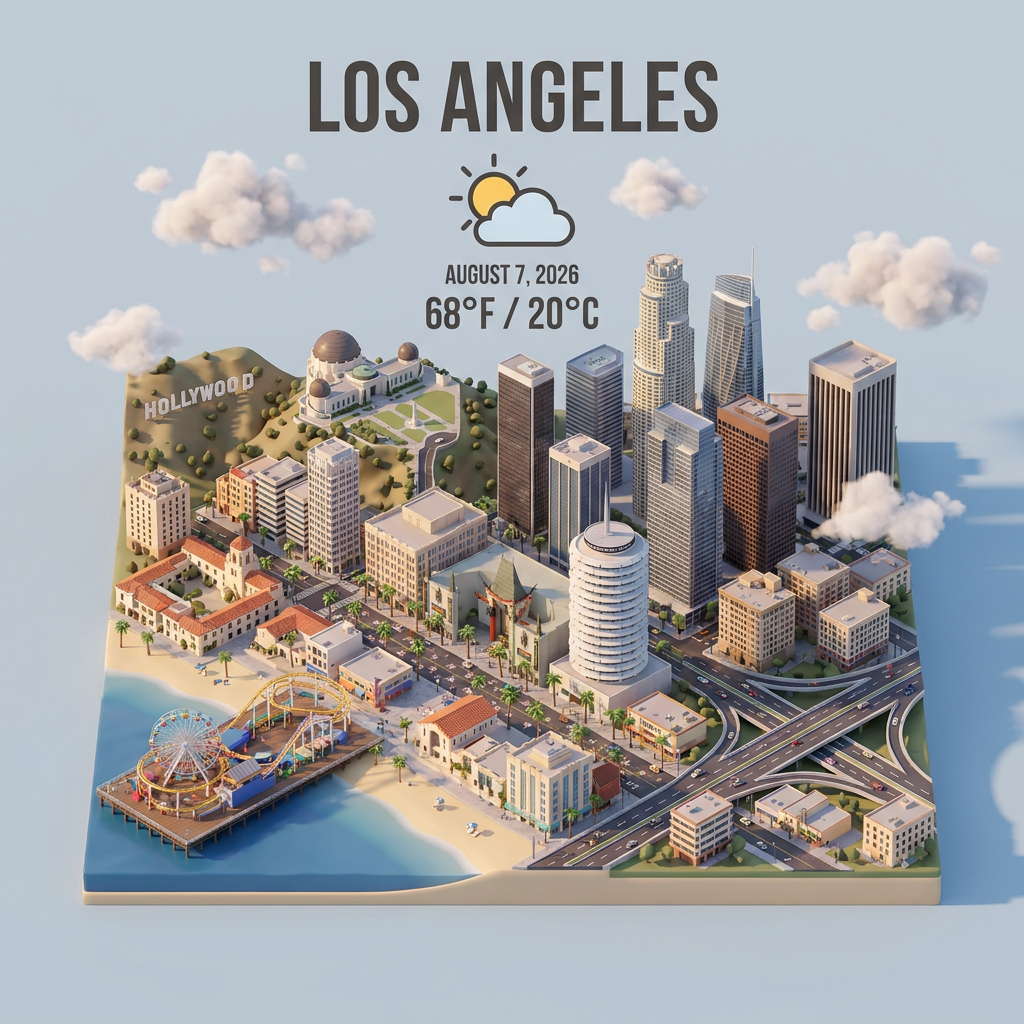
DefaultPresent a clear, 45° top-down isometric miniature 3D cartoon scene of the city that the user specified, featuring its most iconic landmarks and architectural elements. Use soft, refined textures with realistic PBR materials and gentle, lifelike lighting and shadows. Integrate the current weather conditions directly into the city environment to create an immersive atmospheric mood. Use a clean, minimalistic composition with a soft, solid-colored background. At the top-center, place the title of the city name in large bold text, a prominent weather icon beneath it, then the date (small text) and temperature (medium text). All text must be centered with consistent spacing, and may subtly overlap the tops of the buildings.
Recent runs
Sign in to see your recent runs.
What it does
The flow takes a place name and a chosen visualization style as input, performs web research to gather current weather or stock data, and then generates a high-quality 3D cartoon-style image depicting the specified place with integrated real-world details. It transforms textual inputs into a polished, contextually accurate miniature 3D scene image.
How it works
Web research for context
GPT-5.6 Luna
web_research_contextRenderer
Nano Banana Pro
place_visualizationExample
Input
Present a clear, 45° top-down isometric miniature 3D cartoon scene of the city that the user specified, featuring its most iconic landmarks and architectural elements. Use soft, refined textures with realistic PBR materials and gentle, lifelike lighting and shadows. Integrate the current weather conditions directly into the city environment to create an immersive atmospheric mood. Use a clean, minimalistic composition with a soft, solid-colored background. At the top-center, place the title of the city name in large bold text, a prominent weather icon beneath it, then the date (small text) and temperature (medium text). All text must be centered with consistent spacing, and may subtly overlap the tops of the buildings.
Los Angeles